
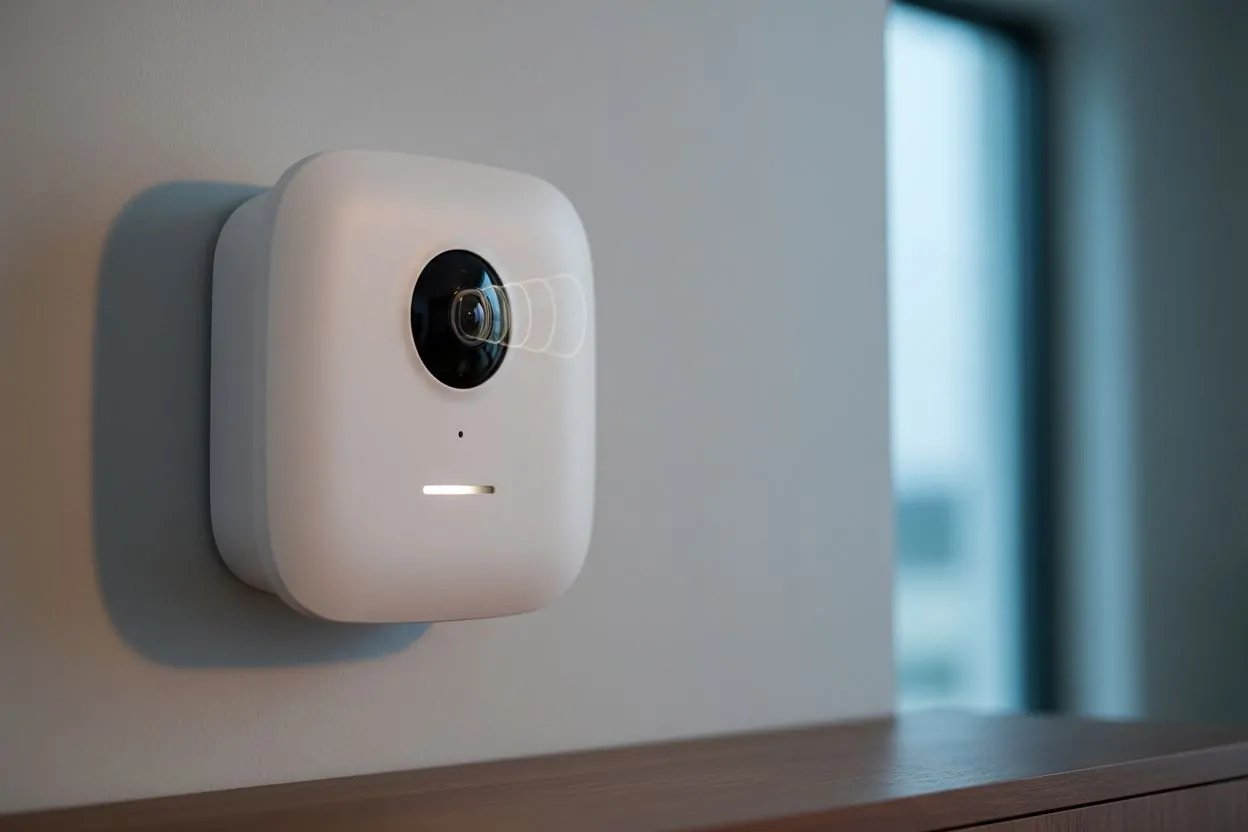
Security system technology has taken a leap forward, and the photo-on-demand is a great example of this evolution.
With Ajax motion detectors, it is possible to obtain instant images to validate an alarm, thus creating proactive monitoring of protected areas.
However, this feature raises questions about its speed and efficiency, especially when it comes to capturing multiple photos in a short period of time.
What is an Ajax wireless alarm?
An Ajax wireless alarm is a modern security system that uses advanced technologies to protect properties against intrusions.
This system consists of various components, such as motion detectors, cameras and sirens, interconnected via a secure radio protocol.
Users can easily control their alarm remotely via an intuitive mobile application, providing unparalleled flexibility and ease of use
The option of using a wireless Ajax alarm allows you to benefit from features such as photo verification, ensuring effective monitoring of the environment.
By 2026, these systems stand out for their ability to adapt to various IoT devices, making their integration into smart homes particularly convenient.
The importance of photo verification in security
Photo verification has become an essential feature of modern alarm systems, especially for Ajax users, as this functionality allows for real-time image capture, enabling rapid assessment of emergency situations.
When an alarm is triggered, users can instantly receive photos, making it easier to decide on intervention, with the ability to access quality images helping to build confidence in the chosen security system.
Ajax detectors, with their photo verification technology, perfectly meet current security needs, ensuring responsiveness and efficient incident management.
Therefore, integrating such technology into one's home is today a wise step to ensure the safety of loved ones and assets.
MotionCam detector photo capture functionality
Ajax MotionCam detectors incorporate advanced photo capture features to enhance security.
These devices allow for photo verification , thus giving users direct control over security events.
The different types of photo verification, such as alarm photos and on-demand photos, are designed to meet the diverse security needs of users, making the system highly adaptable.
Thanks to these features, users can quickly assess the situation during an alarm and make informed decisions.
Types of photo verification available
Ajax detectors offer several types of photo verification to adapt to various security scenarios.
Among these types are alarm-activated photos, which are triggered automatically when motion is detected, and on-demand photos, allowing users to take photos manually at any time.
The devices can also be configured to take pictures according to a specific scenario or based on a programmed schedule, giving users additional flexibility.
This diverse range of options ensures comprehensive coverage of security needs, while confirming that users remain informed about the status of their property.
How does photo capture work in case of an alarm?
When an alarm is triggered, MotionCam detectors use a wireless to quickly transmit images to the security system.
This photo verification is necessary to confirm the nature of the alert and assess the situation on the ground, then the photos are sent instantly to users, allowing them to visually verify the events in progress.
Thanks to advanced image transfer technology , users can receive multiple photos in less than two seconds , facilitating a quick and appropriate response.
Thus, the integration of this feature into Ajax detectors significantly enhances users' ability to monitor and react to potential threats.
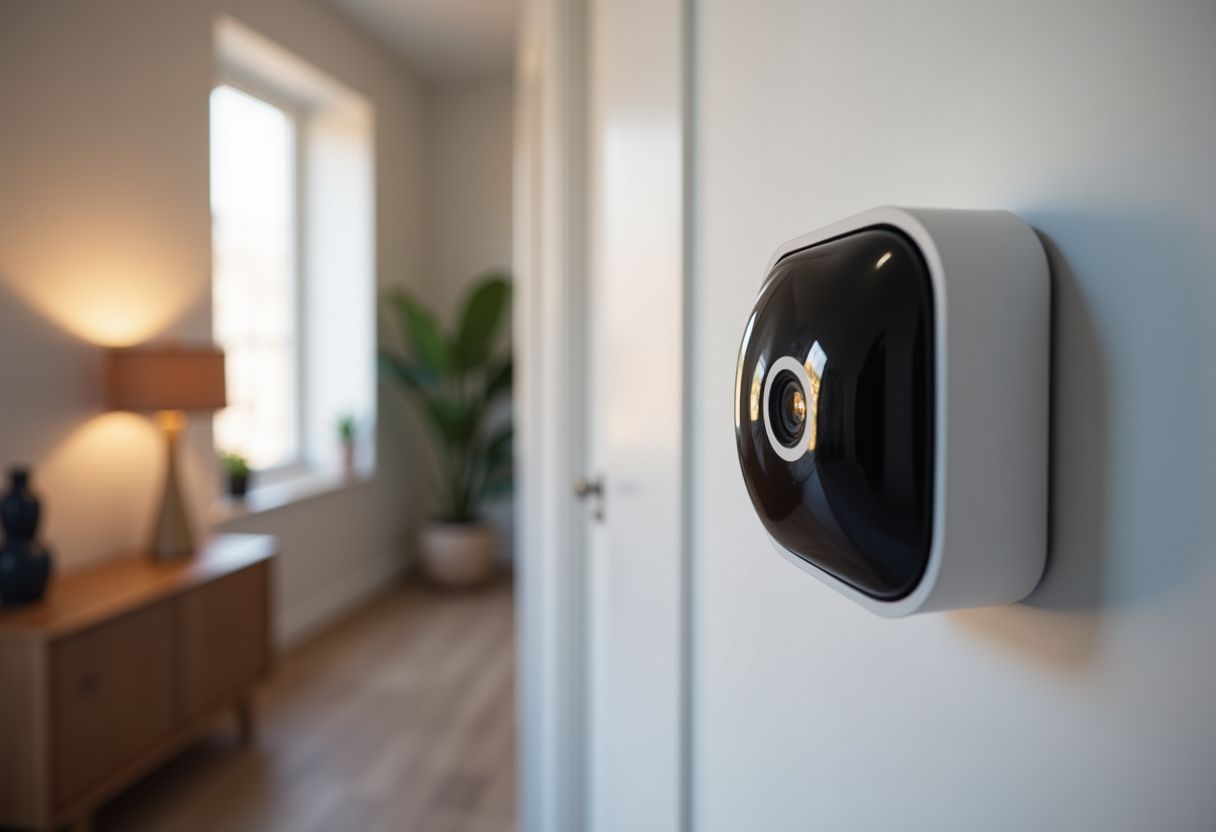
Fast capture capability: 5 photos in less than 2 seconds
The Ajax alarm's ability to capture up to 5 photos in less than 2 seconds relies on optimized transfer times and image processing
Thanks to Jeweller wireless communication technology , motion detectors like the MotionCam are able to quickly send images to the central system.
Indeed, reaction time is important, as an alarm can be triggered at any time.
Users can thus receive instant notifications accompanied by captured images, allowing for a rapid assessment of the situation on site.
To ensure fast photo delivery, it is essential that image resolution is set according to requirements, as high resolution can slow down transfer, while lower resolution allows for faster transmission.
Users must therefore find a balance between image quality and sending speed, which is particularly important in emergency situations.
Image transfer and processing times
Transfer times are influenced by several factors, including network connectivity and system load.
By 2026, most users will have a stable internet connection, which will facilitate the transmission of images.
Optimizing image processing is also crucial, as it determines how quickly photos are sent after a triggering event.
The Ajax system uses advanced algorithms to minimize processing time, resulting in high performance.
In addition, the configuration of alarm settings can impact transfer times.
Users should ensure that photo verification are tailored to their specific needs, in order to avoid any delay in receiving critical images during an incident.
Factors influencing the speed of capture
Several factors influence the speed at which Ajax detectors capture photos.
Firstly, the quality of the sensors and the technology used by the detectors play an important role.
Recent models, such as the MotionCam, feature improved sensors that allow for faster detection and better image capture.
Furthermore, the environment around the detectors, such as the presence of physical obstacles, can also affect their ability to capture images quickly.
Another aspect to consider is user configuration, as the permissions granted to each user can limit or accelerate access to photo capture features.
Therefore, appropriate configuration of access rights and triggering scenarios is essential to maximize the system's effectiveness.
By adjusting these elements, users can ensure that their security system is functioning optimally, thus guaranteeing a rapid response to potentially threatening events.
Optimal configuration for quick captures
To ensure maximum efficiency when taking photos with Ajax detectors, it is important to perform a proper configuration in the Ajax application as this includes specific settings that optimize capture speed and image quality.
Using the photo-on-demand function appropriately can also facilitate access to real-time images, which is especially useful during an alarm.
People using this product should therefore familiarize themselves with the options offered in the application, such as image resolution and transfer settings, to ensure that photos are taken quickly and efficiently.
Recommended settings in the Ajax application
In the Ajax application, it is recommended to set the photo resolution to a level that balances quality and transfer speed.
Too high a resolution can cause delays in sending images, while too low a resolution can impair the clarity of the captures.
In addition, it is advisable to enable notifications for each photo taken in order to stay informed in real time.
It is also wise to regularly check for app updates, as improvements may be incorporated to optimize these features.
Elements to consider during installation
When installing Ajax detectors, several elements must be taken into account to ensure optimal performance.
The location of the detectors is important; they must be installed in areas where they can effectively detect any movement, while being protected from any obstacles.
It is also recommended to test the wireless signal to ensure that photos are transmitted quickly to the system.
Finally, it is necessary to examine the lighting conditions in which the detectors will operate, as adequate visibility can greatly influence the quality of the images captured.
